How to Effectively Automate Work Tasks?
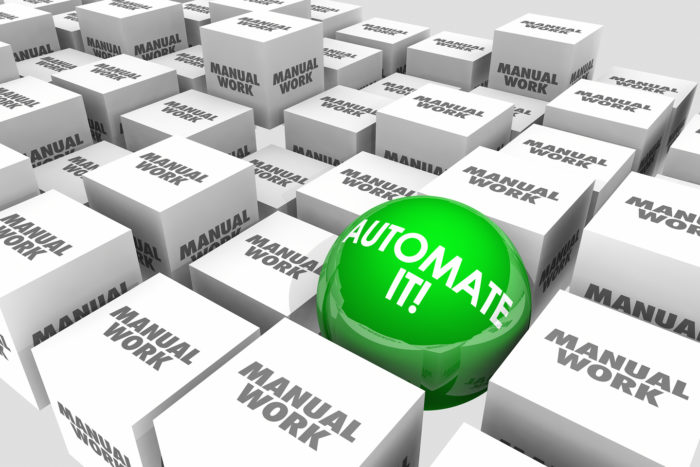
Have you ever heard a story about a guy that automated all his tasks at work and was paid at his job while doing nothing?
A guy was employed for more than 5 years in a data entry position. But did he ever work? Well, not entirely. He hired a developer to write a code and since that day he was just watching movies during his work day.
Sounds fantastic, isn’t it? Can you automate work tasks like that? Sure thing.
Automating your daily tasks, especially the ones that are time consuming, is essential to improve your daily productivity. So how do you do it?
How Automation Can Help You to Be More Productive?
However, the changes should not be too drastic. Accountants might need to be prepared to re-skill themselves or learn new skills, such as effective communication as well as funding, payments and new models for businesses.
After all, the accountant’s role has evolved over the years and it’s not only about adding the numbers, it involves financial planning and cost-saving guidance. This is something machines might not be able to do.
Why am I still Doing Repetitive Tasks?
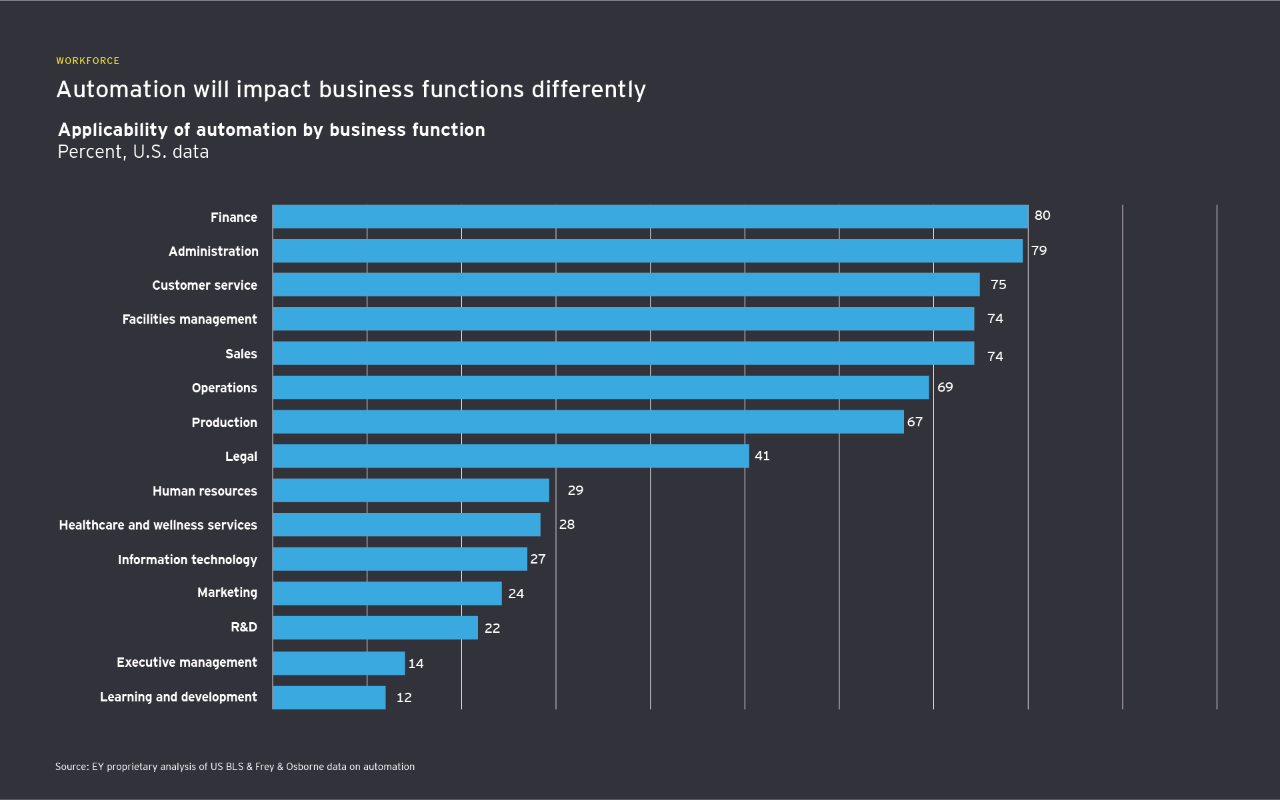
Companies tend to avoid adopting new methods/technologies either because it is something that they don’t understand and that might be scary or because they think they are doing great even without it.
Technology is evolving rapidly, especially after the breakthrough of covid. Automation is taking over everything and sooner or later all industries will be affected. In the future we will see that no matter the profession people will need to know the basics of a programming language as it will be the only way to communicate with the machines. Automation is here to make our lives easier.
What Tasks Can You Automate?
• Automated reconciliation is the process of comparing transaction data from multiple sources and identifying any discrepancies without the assistance of a human specialist. This can help to reduce the financial officers workload and provide a recorded trial of all the reconciliation activity for external and internal auditors.
• Send mass emails to suppliers or anyone.
A macro is a set of instructions that can be used to perform a task automatically. Excel macros can be used to automate tasks in Excel, such as entering data from a database into a worksheet or calculating values based on a set of criteria. Not just this, but Excel macros can also be used to send emails through Excel.
To do this, the macro will need to have access to an email account. The macro will then use the account to send the email. The email will be sent to the address that is specified in the macro. The subject and body of the email can also be specified in the macro.
• Creating invoices is the process of creating a document that shows the products or services that were sold, the price of each item, the total amount due, and the terms of payment. An invoice can be created either manually, which is a time-consuming procedure, or automatically.
There are many ways to create invoices automatically using Excel. One way is to use a macro to automatically generate the invoices. Another way is to use a template that can be easily customised for each customer. Creating invoices automatically can save a lot of time and money. When done correctly, it can also help to improve customer service.
• Boring tasks like creating filters, tables, pivot charts, etc. This can save a lot of time and effort, especially if you need to create multiple filters or tables.
• Import bank statements to Excel automatically.
This automation also allows you to import bank statements into excel. It is a relatively simple procedure, but an important one.
Find us on our social-media channels.